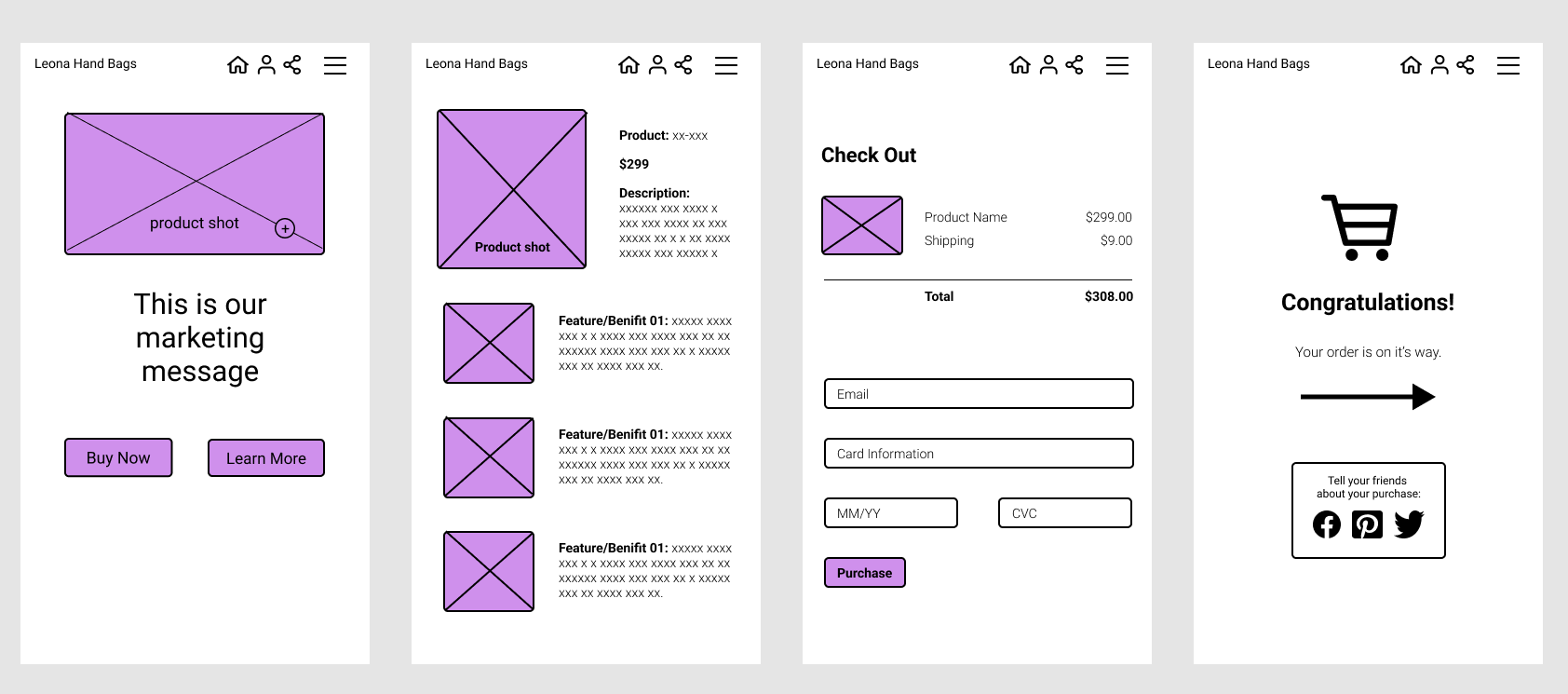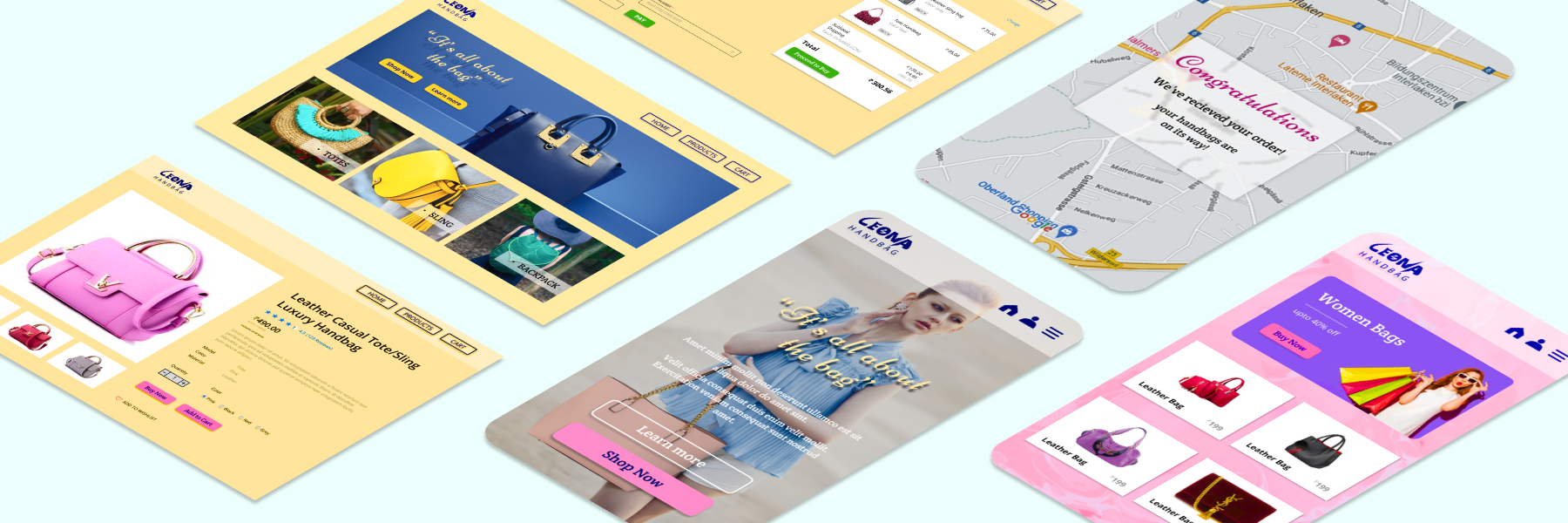
To view the full wireframe, mockups and prototype of Leona Handbag e-Commerce Design click the link below
https://www.figma.com/file/tAfBSrSB2sbDJIbtuset8V/Leona-Handbag-e-Com?node-id=433%3A101
- Prototype for desktop view: https://www.figma.com/proto/tAfBSrSB2sbDJIbtuset8V/Leona-Handbag-e-Com?node-id=513%3A645&scaling=min-zoom&page-id=70%3A98&starting-point-node-id=513%3A645
- Prototype for Mobile view: https://www.figma.com/proto/tAfBSrSB2sbDJIbtuset8V/Leona-Handbag-e-Com?node-id=205%3A9&scaling=scale-down&page-id=70%3A97&starting-point-node-id=205%3A9&show-proto-sidebar=1
- Hover over the prototype
- From here, you should be able to see the option to 'Play' your prototype below the prototype's icon
- Select the project
- Click 'Play' on the top right-hand corner
- You can also hover over a screen to start playback from a specific screen ✨
-
Click
 to show and hide the left sidebar
 -
Click
 to enter comment mode and add comments to the prototype
 -
View and select flows
-
View a flow's description
-
Set the prototype view Options
 and hide the toolbar or comments
 -
Click
 to enter fullscreen mode
 -
Figma will present the device against the Background Color you selected
-
View the Device you selected in your prototype settings
-
View your cursor or touch indicator (mobile device prototypes only)
-
Interact with hotspots or enter keyboard shortcuts within your prototype
-
Use
 and
and  to move between screens. Or use your arrow keys on your keyboard
 -
Use the Restart button or press R to return to the starting point
| HomePage | Product Detail Page | Cart Page |
|---|---|---|
 |
 |
 |
| HomePage | Product Detail Page | Cart Page |
|---|---|---|
 |
 |
 |