







A Morse Code Beacon for Protest Messaging / Video Steganography
The Signet is a small, WiFi configurable beacon designed to embed a message
(encoded in Morse code)
into recorded video footage
using a blinking light source.

| 🔩 Hardware | 💾 Firmware |
|---|---|
| XIAO ESP32-C6 SoC — cheap, small, capable | Plain text → International Morse code signaling |
| Dual emitters — RGB LED + 850nm IR LED | Language agnostic — enc/decodes the same worldwide |
| 500 mAh Li-Po with dis/charge protection | Visible / Discreet modes — selectable RGB / IR output |
| USB-C charging — can be used while charging | WiFi AP+CP — browser-based UI; no app required |
| Magnetic mounting — for fast, easy placement | No internet connectivity — operates fully offline |
| Easy assembly and quick builds | Auto WiFi shutdown after 90 seconds of UI inactivity |
| Snap-fit 3D-printable enclosure (2 pieces) | OTA firmware updates — upload new firmware via the captive portal |
| Minimal soldering required | "Stateless by Power" design — no messages stored |
NO telemetry, NO accounts, NO bullshyte
- Visible — uses an RGB LED for human-eye detection (obvious in person, obvious on camera)
- Discreet — uses an IR LED for low-visibility messaging (typically not noticeable to most bystanders, but may still be captured on video depending on the camera)
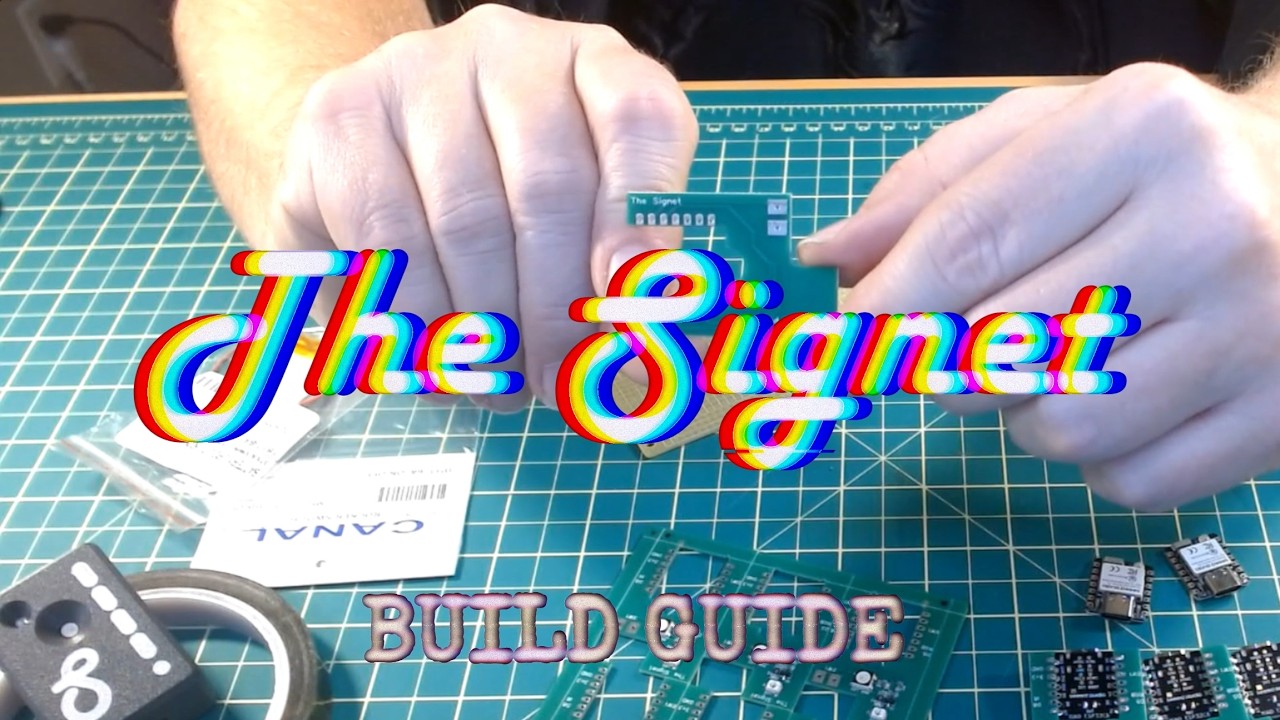
Watch the complete 14-minute build tutorial to assemble your own Signet device:
In many places, digital censorship and content suppression are rising. The Signet is built for situations where people need to communicate ideas in public— especially during peaceful demonstrations—without relying on platforms, audio, or live speech.
Instead of shouting a message (which can provoke instant confrontation or get drowned out), The Signet lets a message persist inside the footage itself—so it can be discovered later in recordings from participants, journalists, or fixed cameras. The point is durability: the message travels with the video.
The Signet uses standard International Morse Code (ITU), ensuring global readability and compatibility with both human and machine decoding. A message embedded in footage can’t be muted, algorithmically downranked, or “lost in the crowd” the same way a post can.
The Signet can also be used as a continuity marker for recorded footage. By embedding a continuous, time-ordered Morse message into the recording, the signal should remain consistent from start to finish.
- Unexpected gaps, jumps, or resets may indicate cuts, dropped frames, edits, or tampering.
- This can help viewers and investigators spot continuity breaks that might otherwise go unnoticed.
While The Signet and watermarking both involve embedding information into video, they solve very different problems and operate in fundamentally different ways.
- Added after recording during editing or encoding
- Relies on digital pixel or compression manipulation
- Usually invisible and algorithmic
- Can often be removed or degraded through re-encoding
- Primarily serves ownership and copyright enforcement
- Embeds information at the moment of recording
- Uses optical signaling (visible or IR light)
- Independent of codecs, platforms, and formats
- Becomes part of the physical scene, not a digital layer
- Can reveal edits through continuity breaks
Watermarking alters the media.
The Signet alters the scene.
- No app required — browser-based configuration only
- No internet connectivity — never connects to cloud services
- Temporary local Wi-Fi AP for configuration only
- Automatic AP shutdown after 90 seconds of inactivity
- No persistent logs or telemetry
- Stateless by power design — power cycling resets to default
- OTA updates are local-only — firmware uploaded directly through the on-device Wi-Fi AP; no cloud, no remote access
The easiest way to contribute is to use GitHub Codespaces - a cloud-based development environment with everything pre-configured:
- Click the green "Code" button on the repository
- Select the "Codespaces" tab
- Click "Create codespace on main"
- Wait for "The Signet - ESP32 C6 Arduino" environment to build (~2-3 minutes)
- Once ready, you'll have a full VS Code environment with:
- Arduino CLI pre-installed
- ESP32 C6 board package configured
- All required libraries (FastLED, ArduinoJson, etc.)
- C++ IntelliSense properly configured
- Ready to compile and verify code
No local setup required! All dependencies are handled automatically.
If you prefer to work locally:
- Install Arduino IDE 2.x or PlatformIO
- Install the ESP32 board package (version 3.0.0 or later)
- Install required libraries via the Library Manager:
- FastLED (v3.5.x)
- ArduinoJson (v6.x)
- Select board: ESP32C6 Dev Module
- Open
The_Signet.inoand compile
The Signet is intended to support lawful, non-violent freedom of expression, documentation, and artistic or journalistic messaging. It must not be used to enable harm, harassment, intimidation, illegal activity, or to mislead people about what is being recorded or communicated.
